Bardexo
AR/VR Game Workshops

AR/VR Game Development Insights

Explore the latest techniques, tools, and trends shaping the world of cross-platform augmented and virtual reality game creation.

Practical knowledge for developers building immersive experiences across multiple platforms and devices.

What Cross-Platform Means in AR/VR Game Development
AR/VR Development

What Cross-Platform Means in AR/VR Game Development

How one codebase works across different headsets and devices

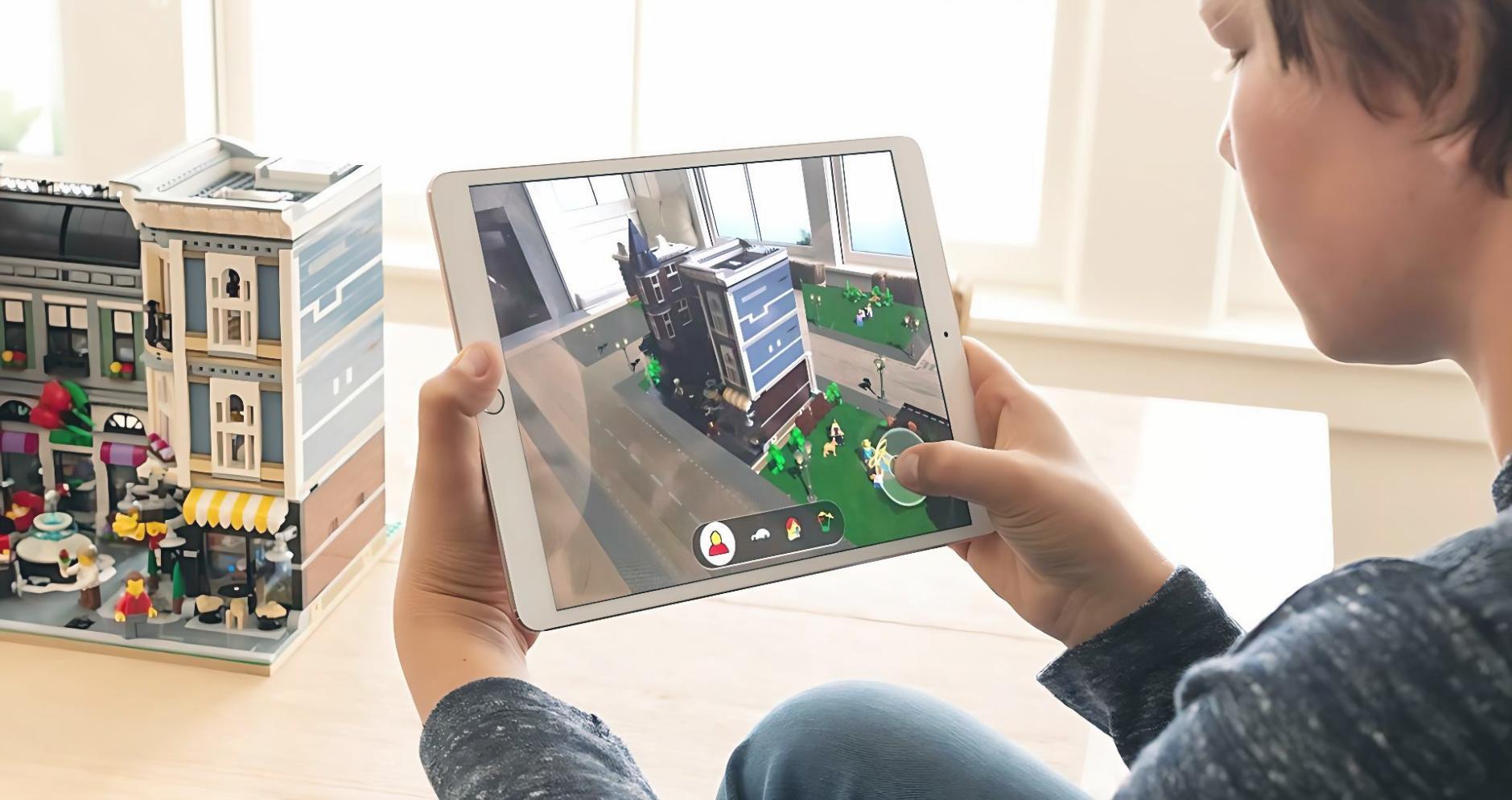
Understanding how one AR/VR game can work across multiple devices without building separate versions for each platform.

2 min
262
364
Understanding the Rendering Pipeline in AR/VR Games
Technical Concepts

Understanding the Rendering Pipeline in AR/VR Games

The assembly line that creates images in your headset

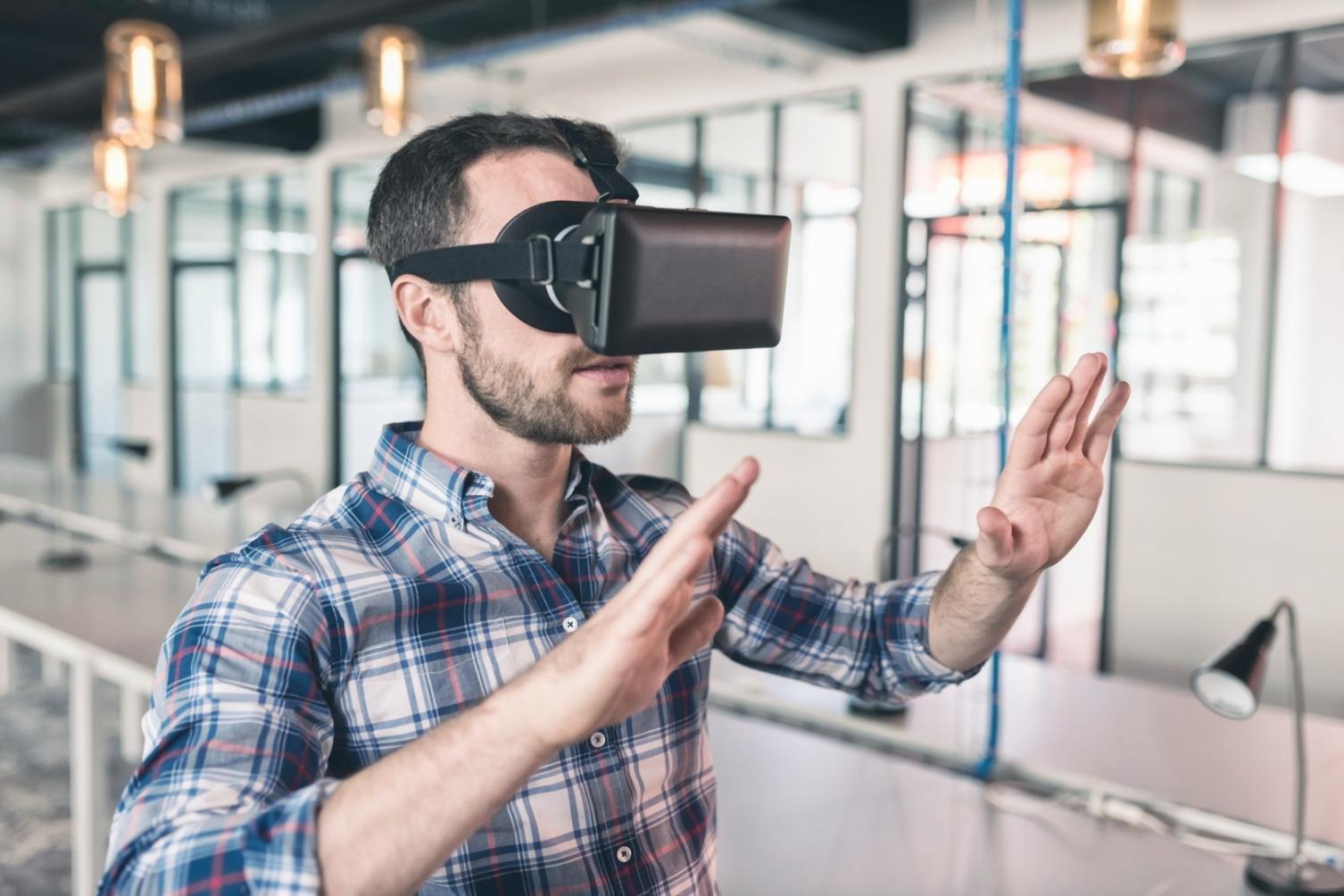
Breaking down how your game turns code into images that appear in a headset, and why this matters for cross-platform projects.

2 min
204
137
Making Controllers Work Across Different VR Systems
Development Practice

Making Controllers Work Across Different VR Systems

Why coding for actions instead of buttons matters

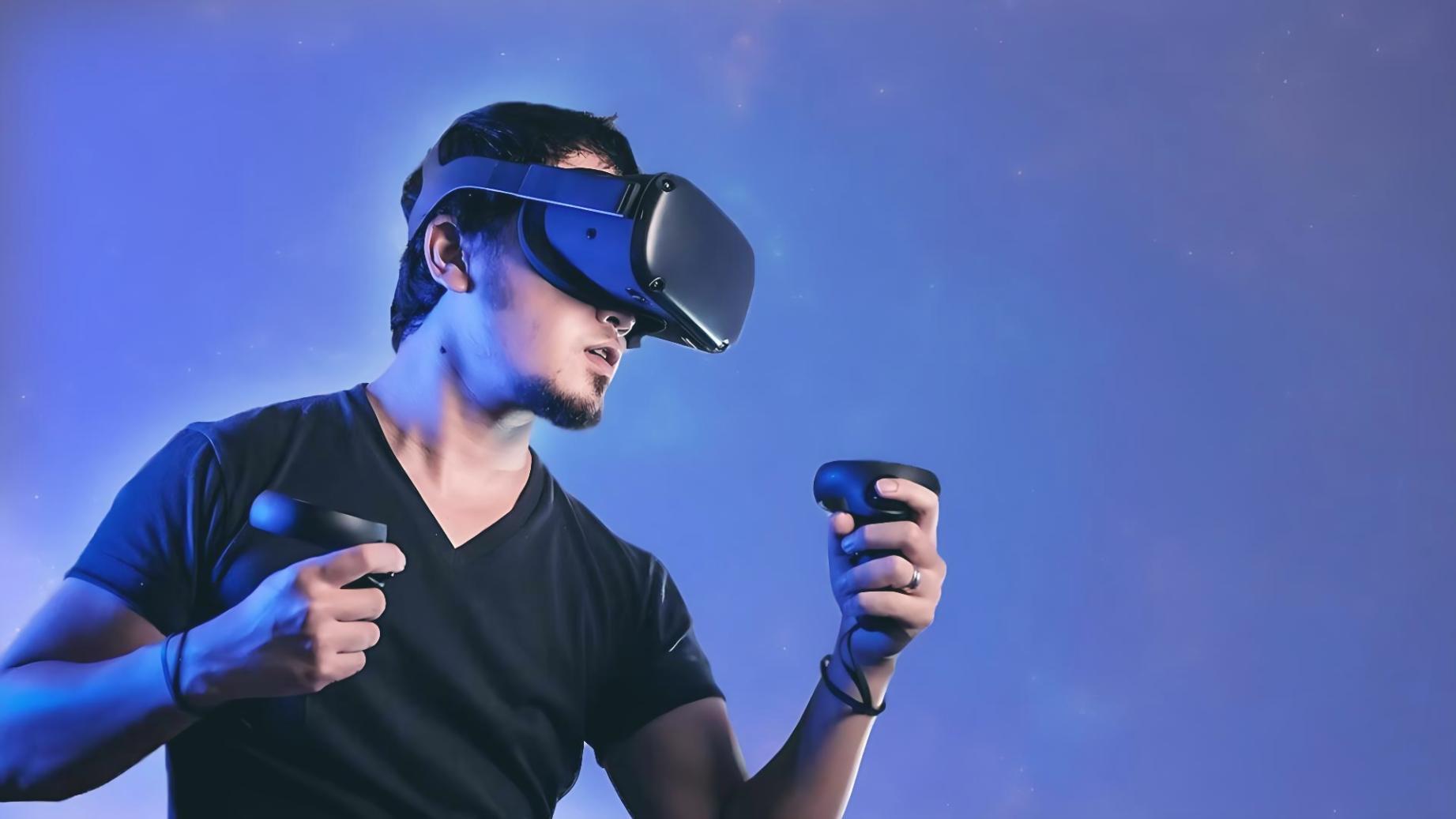
How to handle different controller types, hand tracking, and gesture systems in one game without writing separate code for each.

2 min
698
542
How Spatial Anchors Keep AR Objects in Place
AR Technology

How Spatial Anchors Keep AR Objects in Place

The bookmarks that remember where virtual objects belong

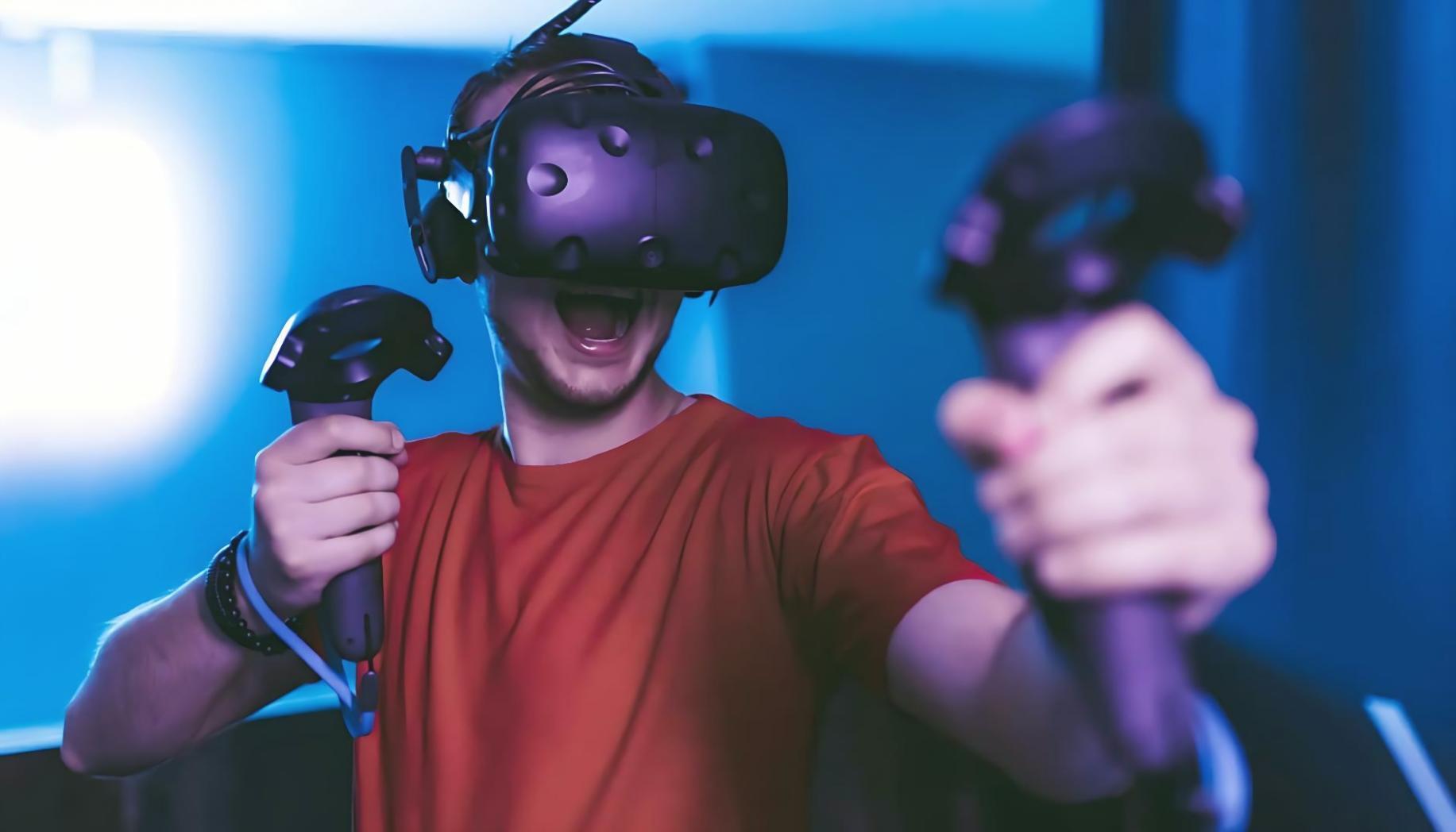
Understanding the system that remembers where virtual objects should appear in physical space across different AR platforms.

2 min
944
299

Workshop Engagement Metrics

18.6

Average hours spent per participant

341

Active participants across current workshops

7.2

Average satisfaction rating out of 10

How workshops structure learning

Each session follows a modular design. Participants receive assignments that build on previous exercises, creating a continuous thread of skill development. The structure allows learners to move through material at their own pace while maintaining clear milestones.

Interactive exercises require active participation rather than passive observation. Participants test ideas, experiment with tools, and document outcomes. Feedback loops help identify areas that need more attention before moving forward.

Collaborative tools enable peer review and group problem-solving. Participants share progress, compare approaches, and discuss challenges in real time. This creates a learning environment where different perspectives contribute to understanding.

Workshop learning environment
Instructor portrait

Instructor Perspective

Teaching AR/VR game development requires balancing technical precision with creative experimentation. Students often arrive with different skill levels and expectations. The workshop format allows them to engage with material that matches their current abilities while still challenging them to grow.

Zofia Lewandowska, Lead Workshop Instructor

Typical Workshop Progression

1

Initial Setup and Orientation

Participants configure development environments and verify that all required tools function correctly. This phase includes a brief orientation to the workshop structure and expectations.

2

Foundational Exercises

Early assignments focus on core concepts and basic interactions. Participants complete guided tasks that introduce essential techniques and establish a baseline understanding.

3

Applied Problem Solving

Exercises become less prescriptive as participants apply learned concepts to open-ended challenges. This phase emphasizes experimentation and iterative refinement.

4

Integration and Review

Final assignments require participants to combine multiple techniques into a cohesive project. Peer review sessions provide feedback and highlight different approaches to similar problems.